Strong passwords are essential component for protecting your accounts and infrastructure.
With the increasing number of cyber threats and attacks both automated and human, having a secure authentication isn’t just important—it’s critical. In this post, we’ll cover best practices for creating strong passwords.
1. Always Use a Password Manager
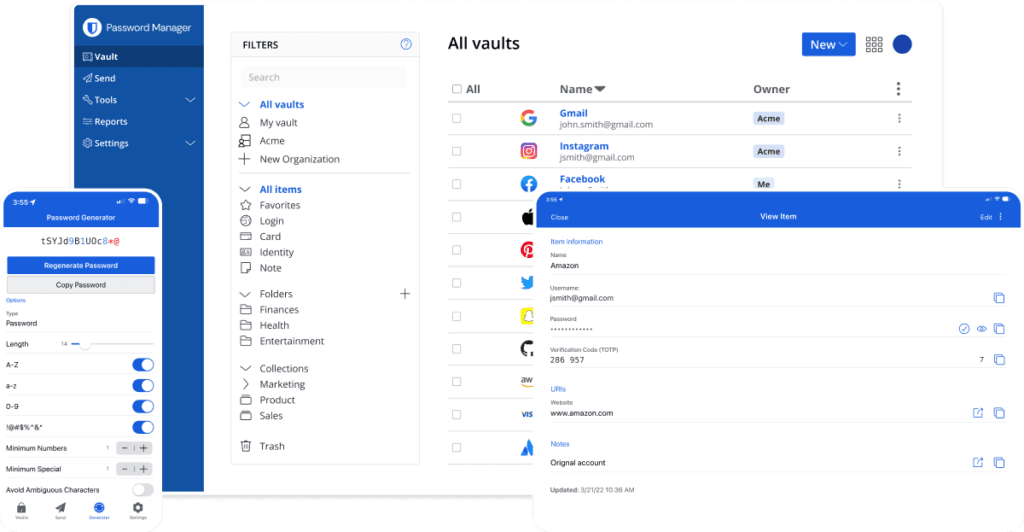
Trying to remember dozens of unique, complex passwords is virtually impossible. That’s where password managers come in. A password manager securely stores and manages all your passwords, allowing you to use unique and complex passwords for each account without having to memorize them.
Password managers also generate strong passwords for you, reducing the risk of weak, easily guessable passwords. Popular password managers include LastPass and Bitwarden. Many of these tools have enterprise versions allowing for multiple users of the same organisation to securely access to specific passwords which can be very useful and far safer than using a shared spreadsheet.
2. Use a Combination of Lowercase Letters, Uppercase Letters, Numbers, and Symbols
A strong password should always include a mix of:
- Lowercase letters (a-z)
- Uppercase letters (A-Z)
- Numbers (0-9)
- Symbols (e.g., !, @, #, $)
- Not contain dictionary words
This complexity makes it significantly harder for hackers to crack your password using brute-force attacks, where they systematically try every possible combination. A good rule of thumb is to create passwords that are at least 12-16 characters long, as shorter passwords are easier to guess or crack.
For example, instead of using a simple password like Password123, a stronger option would be something like 5&vGf$R9@cT1. While this might seem impossible to remember, your password manager will do the heavy lifting for you.
Online Tools such as Password Monster can give you an indicator of how secure your password is and how long it may take an attacker to crack. Never provide these tools with your actual password though!

3. Never Reuse or Share Passwords Across Different Services
One of the worst things you can do is reuse passwords across multiple services. If one service is compromised, attackers can use that password to try and access your other accounts—a technique known as credential stuffing. For example, if your email password is the same as your social media password, a data breach on your email account could allow hackers to access your social media as well.
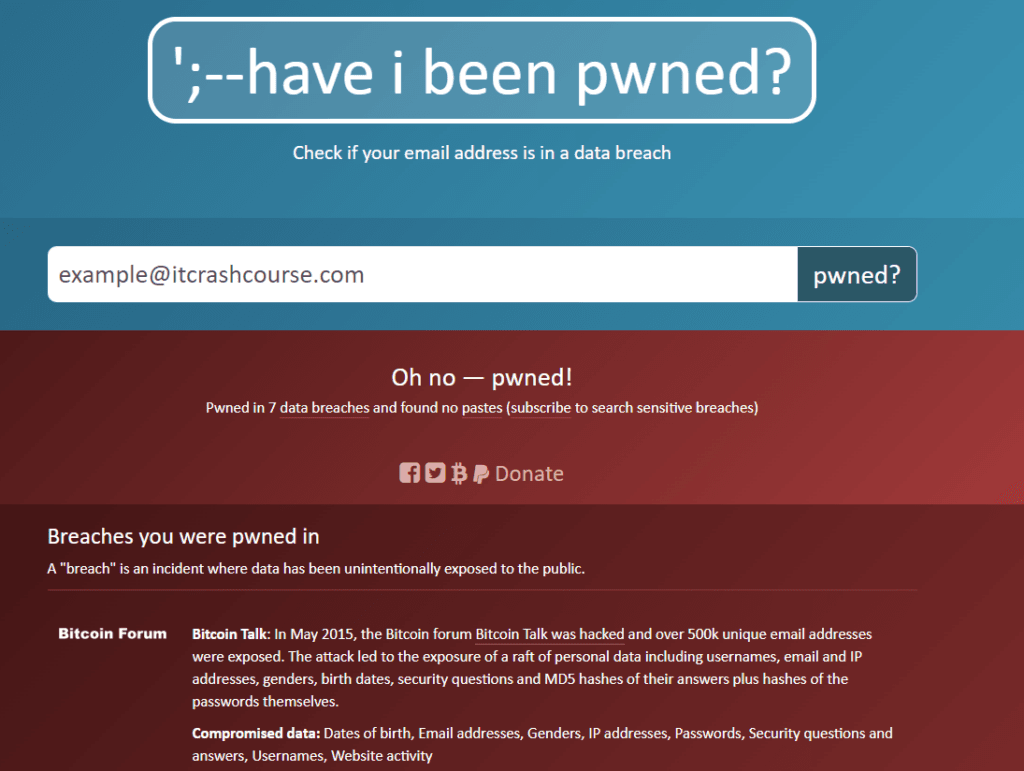
These types of attacks are very common and assisted by stolen credentials from data breach’s being shared amongst other hackers or even uploaded publicly. One of the ways to check if you potentially have compromised account information is using the free Have I Been Pwned tool to check if your email address is in any of those known databases.
4. Enable Two-Factor Authentication (2FA)
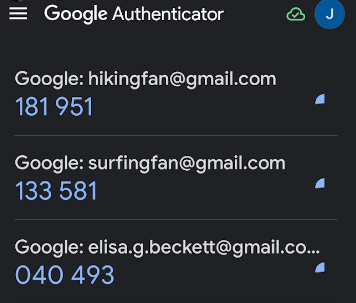
Two-Factor Authentication (2FA) adds an extra layer of security by requiring a second form of verification, usually in addition to your password. This could be a code sent to your mobile device, a biometric scan, or a hardware security key. Even if someone manages to steal your password and try to log in, they won’t be able to access your account without the second factor.
Most major services, like Google, Facebook, cloud providers and financial institutions, support 2FA, and you should enable it wherever possible. Where possible you should avoid SMS based 2FA due to the risk of targeted SIM-swap attacks to intercept these authentication codes.
If the provider supports it, you should also consider enabling sign in alerts to notify you when and where your account is being accessed.
5. Avoid Arbitrary Password Expiration Policies
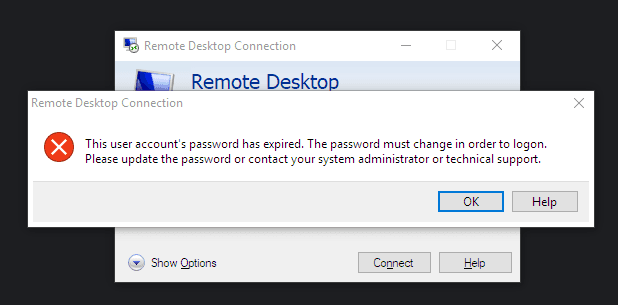
For a long time, it was common practice to require users to change their passwords every 60 or 90 days. However, NIST (National Institute of Standards and Technology) now advises against arbitrary password expiration policies unless there is evidence of a compromise. Constantly forcing users to change their passwords can lead to weaker security as users tend to create simpler, easier-to-remember passwords or writing them down in an easy to access place when forced to frequently update them.
According to NIST’s Digital Identity Guidelines:
- Frequent password changes often lead to predictable patterns, making the new passwords easier to guess.
- Users might create passwords with minimal changes to their old passwords, such as incrementing a number (e.g., Password1 becomes Password2), which isn’t secure.
Instead, passwords should only be changed if there’s reason to believe the password has been compromised. Otherwise, users are encouraged to create strong, unique passwords and focus on using password managers and 2FA for better protection.
Conclusion
Creating a good password is more important than ever, especially with the increasing number of cyber threats. By following the best practices outlined here—using a password manager, creating complex passwords, never reusing passwords, enabling 2FA, and avoiding unnecessary password changes—you can significantly improve your online security.
Remember, a strong password is your first line of defense!