Data loss can be catastrophic, whether it’s cherished family photos on a personal computer, critical business documents on a company file share, or a decade’s worth of data in a software platform.
Having a good backup is a crucial part of data security and server management which allows organisations to recover from both minor and major disasters.
One of the simplest and most effective strategies to safeguard your data is the 3-2-1 backup rule.

What is the 3-2-1 Rule?
The 3-2-1 rule is a best practice for creating reliable backups.
It involves:
- 3 Copies of Your Data: Always have three copies of your data. The original file and two backups so you always have alternatives if one copy fails.
- 2 Different Storage Types: Store your data across at least two different types of media (e.g., external hard drives, NAS devices, USB drives, tape backups, or cloud storage). This approach reduces the risk of a single issue affecting all your backups, such as a firmware fault in a batch of hard drives, a power surge damaging all connected devices, or a malfunctioning tape drive corrupting your tapes.
- 1 Offsite Copy: Keep one copy of your data in a separate physical location, away from your home or office. This helps protect against localised disasters such as fire, theft, or cyberattacks destroying all your backups
The 3-2-1 rule is intended to be a very broad and general best practice that helps protect data from a wide range of potential threats and help mitigate against the cruel reality of backups failing or not working as expected.
Why You Need More Than One Backup
Protecting Against Natural Disasters
Floods, fires, earthquakes, and other natural disasters can destroy or prevent access to your home, office server room and even datacenter, including your local backups.
Having an offsite copy stored in a geographically different place helps reduce the likelihood all copies of the data were destroyed and allows quicker access to the backup to start the recovery process

Mitigating Sabotage and Internal Threats
Sabotage by disgruntled employees or internal threats can jeopardise critical data, examples of this is an employee intentionally deleting files or clearing database records if they are losing their job. This can happen at all levels, from regular employees to trusted IT staff.
Multiple backups, especially ones stored offsite or in secure cloud environments with very controlled access, prevent any single act of sabotage from resulting in total data loss.
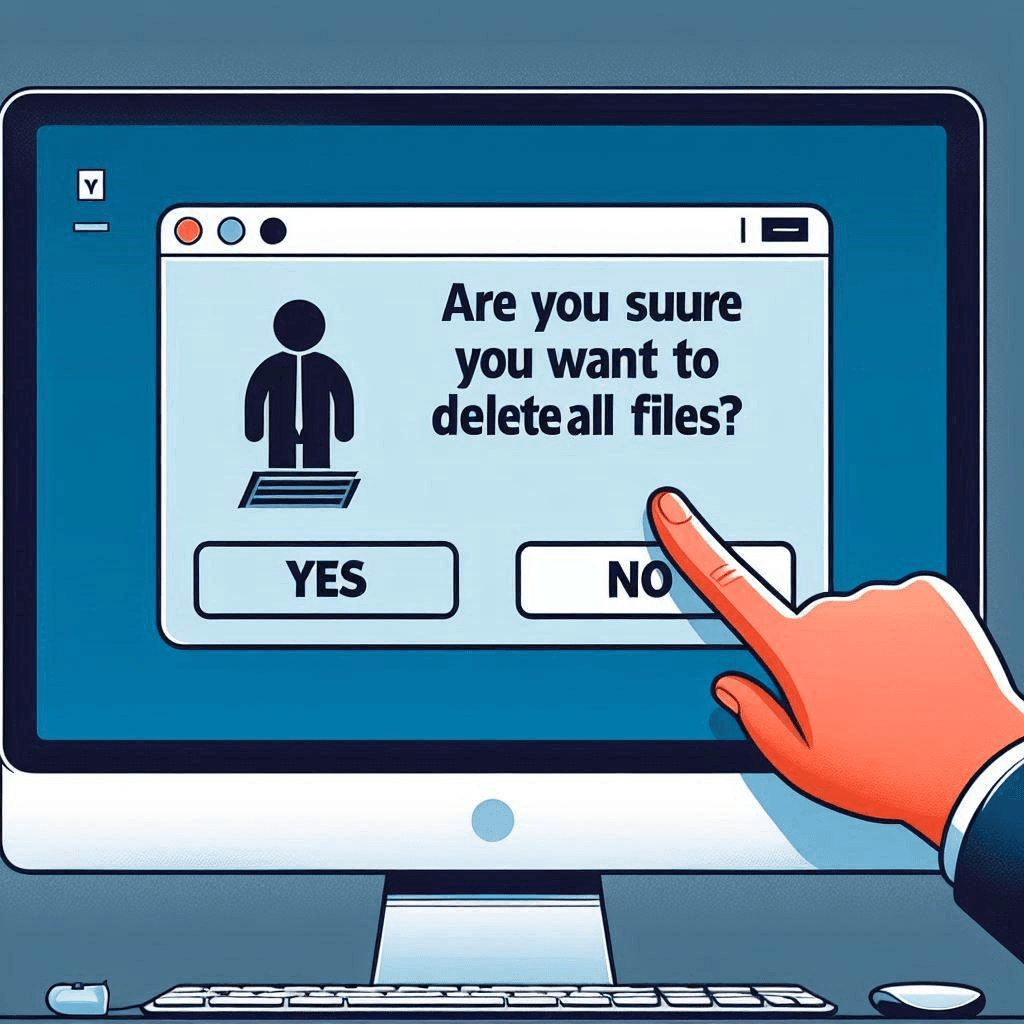
Guarding Against Accidents
Human error is one of the most common causes of data loss!
Whether it’s accidentally deleting a file or overwriting important information, forgetting to pay a cloud provider or not realising the full implications of what they were doing.
Having multiple backups ensures that mistakes don’t become irreversible!
Fighting Ransomware Attacks
Ransomware is becoming a huge threat to both individuals and company’s, with malware being able to quickly encrypt entire networks, holding them hostage until a ransom is paid. Some malware even searches out to destroy backups!
If you have recent working backups, you may be able to quickly restore your data without succumbing to the attackers’ demands which can be incredibly costly and have legal implications.

Practical Examples of Implementation of 3-2-1
Example 1: Personal Use
- Original data: Store photos on your laptop.
- Backup 1: Copy them to an external hard drive.
- Backup 2: Use a cloud storage service like Google Drive, Onedrive or Dropbox.
- Offsite: Keep the external hard drive at a trusted relative’s home of all your important files and swap over the hardisk every time you visit.
Example 2: Small Business
- Original data: Store files on your business’s primary server.
- Backup 1: Set up automatic backups to a Network Attached Storage (NAS) device.
- Backup 2: Use a cloud backup service such as AWS or Backblaze to backup nightly on.
- Offsite: The cloud service serves as your offsite copy.
Testing and Validating Your Backups
It is important to remember that creating backups is not enough. You must regularly test and validate them to ensure they work when needed. A backup that cannot be restored is as good as no backup at all.
Best Practices for Testing Backups:
- Schedule Regular Tests: Test critical backups monthly and less critical ones quarterly.
- Perform Mock Restorations: Verify that files can be successfully restored, are intact and you have the process documented.
- Check Compatibility: Ensure backups work with current hardware and software. Restoring on-to dissimilar hardware can cause issues in some cases (licencing, drivers etc) or backups taken with older versions of the backup software no longer work with newer versions.
- Inspect Offsite Copies: Periodically confirm your offsite or cloud backups are accessible and up-to-date. It’s not uncommon to find backup no longer working due to a number of reasons from the disk being full, subscriptions did renew correctly or the remote backup device becoming unplugged.
By testing your backups, you’ll identify potential issues early and before when they are relied upon.
Final Thoughts
The 3-2-1 rule is straightforward but powerful IT best practice, ensuring your data remains accessible no matter the circumstances. It should be a core component of how you design your backup strategy.